
Solve The Cube Keyboard Controls and Turn Mechanics Guide
Solve The Cube keyboard controls center on typing memorized key sequences from prompts to rotate the puzzle in standard matches, or executing real speedcubing algorithm sequences directly by hand when competing in Zero Assist mode against rival players.
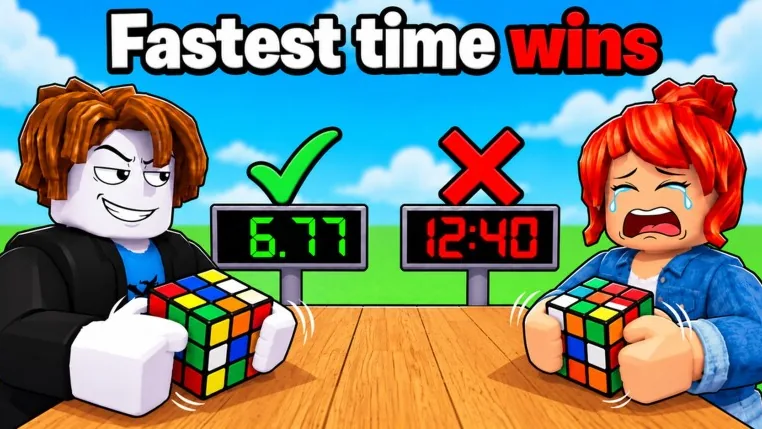
Solve The Cube keyboard controls center on typing memorized key sequences from prompts to rotate the puzzle in standard matches, or executing real speedcubing algorithm sequences directly by hand when competing in Zero Assist mode against rival players.
Core Input Mechanics and Turn Execution
In Solve The Cube by Guess the Studios!, the primary control scheme relies entirely on rapid keyboard entry rather than direct mouse clicking on individual cube faces. The core gameplay loop presents an on-screen prompt showing the required moves. Once the pattern displays, players must commit the letters to memory and execute that exact key sequence into their keyboard.
Every correct keystroke registers a physical turn on the 3D puzzle in real time. Learning how to turn the cube efficiently requires balancing entry speed against typing mistakes, because incorrect keystrokes delay completion while competing against up to 29 other players in a 30-player server.
Standard Mode vs Zero Assist Controls
The game splits its input mechanics across two distinct play formats. In standard match play, the game provides prompts designed to test recall speed. Players view the pattern, commit the keys to memory, and type them out to race opponents to the finish line.
Choosing zero assist switches the controls to an unassisted environment where players face an authentic scrambled puzzle. In this mode, no auto-generated sequence appears on screen. Players must determine their own solving path and type real speedcubing algorithms by hand to rotate the faces until the puzzle is complete.
Playstyle and Mode Selection
The choice between prompt-assisted racing and unassisted solving shifts the mechanical demands placed on your keyboard inputs.
| Playstyle Option | Recommended Match Situation | Requirements and Trade-offs |
|---|---|---|
| Standard Race Mode | Multiplayer lobby competition | Demands rapid short-term memory and error-free typing speed |
| Zero Assist Mode | Self-directed solving practice | Requires knowledge of authentic cube algorithms without interface hints |
| Streak Competitive Play | Earning server wins and badges | Demands repeatable typing accuracy across consecutive rounds |
Keyboard Speed for Milestones and Badges
Keyboard entry times directly determine badge progression in the game. Finishing an entire cube in under five seconds awards the Sub 5 badge, which requires near-instant sequence recall and immediate keystroke execution. Winning a standard race unlocks the First Win badge, while maintaining a streak across three consecutive victories awards the On Fire! badge.
Completing matches also earns Coins, which players spend in the lobby shop to acquire cosmetic cubes, chairs, and Crates. Entering keys cleanly ensures faster completion times, higher win counts, and quicker progress across competitive multiplayer sessions.